
Updated August 2026
Choosing between a MacBook Air and a Windows laptop is one of the most common technology decisions for students, remote workers and business users. The comparison becomes even more important in 2026 because modern laptops are no longer separated only by operating system. Buyers now need to consider chip architecture, battery life, software compatibility, storage, display size, ports, memory and the type of work they plan to do.
The Apple MacBook Air M5 is designed around efficiency, portability and close integration with the Apple ecosystem. Windows laptops offer much wider variety, from affordable student notebooks to touchscreen Copilot+ PCs and powerful business systems. Neither platform is automatically better. The right laptop is the one that removes friction from your actual routine.
This guide compares the 13-inch MacBook Air with M5 against Windows options including the 15-inch Microsoft Surface Laptop, Lenovo V15 Business Laptop and Dell 15 Laptop.
MacBook Air M5 vs Windows laptop: quick comparison
| Priority | MacBook Air M5 | Windows laptop |
|---|---|---|
| Simple Apple ecosystem integration | Excellent | Limited compared with macOS |
| Model and price variety | Focused product range | Very broad selection |
| Touchscreen availability | No touchscreen on MacBook Air | Available on selected models |
| Specialist Windows software | May require alternatives or virtualization | Usually the safer choice |
| Battery-focused portability | A major strength | Varies greatly by model |
| Ports and upgrade choices | Minimal port selection | Varies from minimal to extensive |
| Best for | Apple users, creators and mobile professionals | Students, businesses, gamers and specialist workflows |
What the 2026 MacBook Air M5 offers
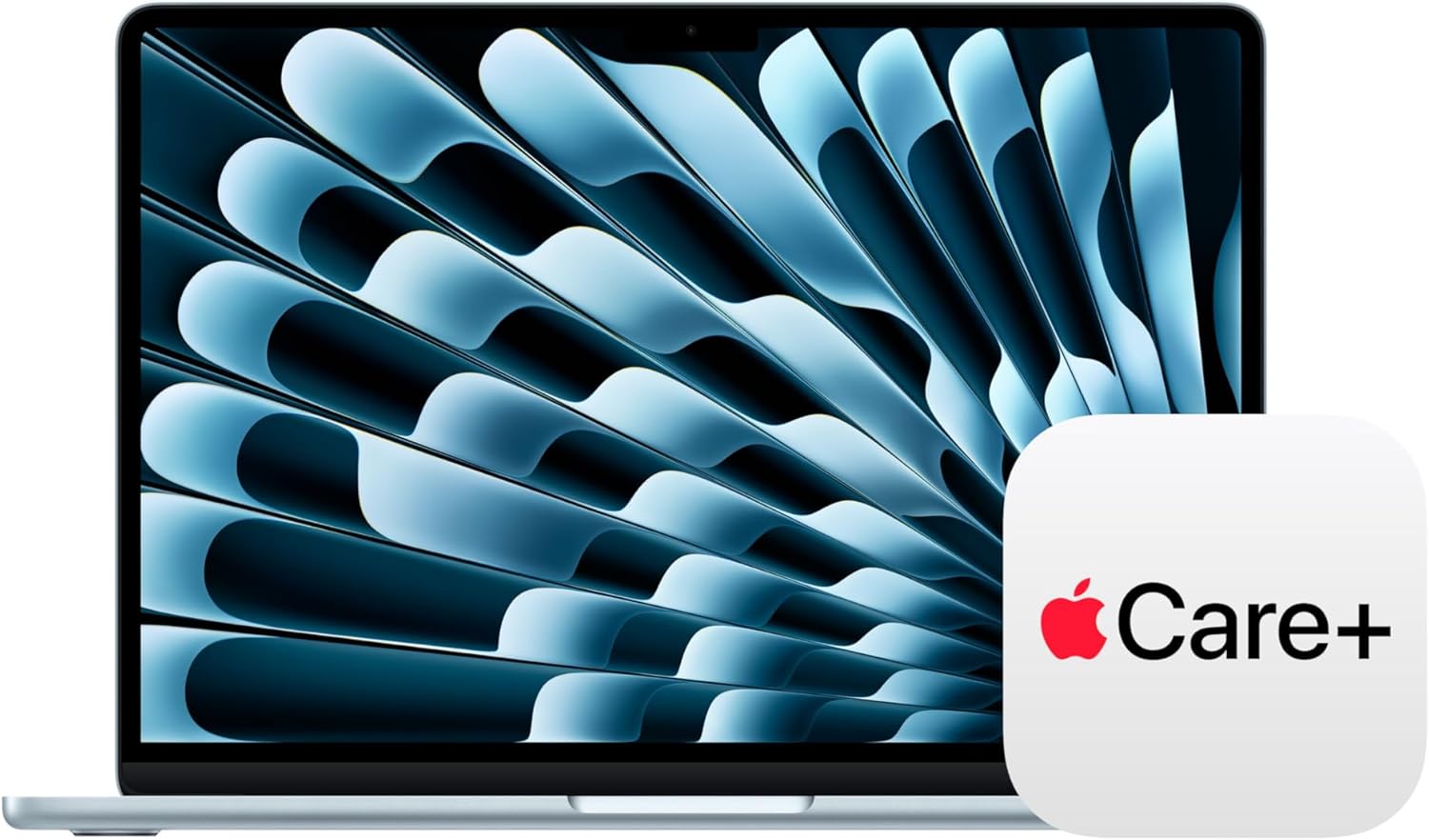
Apple introduced the M5 MacBook Air in 2026. The 13-inch model uses a 13.6-inch Liquid Retina display with a native resolution of 2560 by 1664 and 500 nits of brightness. Apple lists a 10-core CPU, an 8-core or 10-core GPU, a 16-core Neural Engine and 16GB of unified memory as the standard memory configuration. The 512GB SSD starting point is particularly useful for buyers who want more breathing room than a basic 256GB machine.
Apple rates the M5 MacBook Air for up to 18 hours of video streaming and up to 15 hours of wireless web use under its test conditions. It also includes MagSafe 3, two Thunderbolt 4 ports and a 3.5mm headphone jack. The port selection is clean but limited, so buyers who regularly connect several USB devices, an SD card or wired networking may need a hub.
The MacBook Air M5 13-inch with 16GB memory and 512GB SSD is a strong all-round configuration. It has enough memory for everyday multitasking, research, office work, coding and many creative tasks while keeping the compact form that makes the Air popular.
Why Windows laptops remain highly competitive
Windows is not one laptop. It is a platform available across many designs, processors and price levels. That variety is its biggest advantage. A university student can choose a simple notebook for documents and browser work. A business buyer can select a system with Windows 11 Pro, more ports and a full-size display. A creative professional can buy a high-performance machine with dedicated graphics. A traveller can choose an efficient Snapdragon-powered model.
The Microsoft Surface Laptop 15-inch with Snapdragon X Elite, 16GB RAM and 1TB SSD is the closest premium Windows alternative in this selection. It combines a larger touchscreen with a high-capacity SSD and a slim productivity-focused design. Microsoft’s configuration uses the 12-core Snapdragon X Elite platform, which is built around efficiency and modern Windows AI features.
At a different price level, the Lenovo V15 with 16GB RAM and 1TB SSD prioritizes practical business capacity. The Dell 15 with an FHD 120Hz display, 8GB RAM and 512GB SSD is positioned for everyday work and study. These machines demonstrate why a single “Mac versus PC” answer is too simplistic.
MacBook Air or Windows laptop for students?
Students should start with course requirements. A MacBook Air is an excellent option for writing, research, presentations, video calls, coding and general creative work. It is especially convenient for students who already use an iPhone because files, messages, photos and calls can move more naturally across Apple devices.
A Windows laptop is often the safer choice when a programme requires specific Windows-only applications, engineering tools, accounting packages, testing software or institution-managed utilities. Before buying any laptop, check the software list supplied by the university or training provider. Do not assume that a popular laptop will support every specialist application.
Budget also matters. The Lenovo IdeaPad with 8GB RAM and 256GB SSD can make sense for browser-based learning, documents and online classes. A buyer who wants a larger Apple display can consider the 15-inch MacBook Air M4 with 16GB memory. The M4 model remains relevant for shoppers who value screen size more than owning the latest chip generation.
MacBook Air or Windows laptop for business?
For business use, the decision depends on the company’s tools and device management. MacBook Air works well for communication, spreadsheets, web applications, presentations, design work and software development. It is attractive for mobile professionals because it combines long battery expectations with a lightweight design and quiet operation.
Windows remains deeply established in corporate environments. Many organizations use Windows-specific management systems, security tools and line-of-business applications. Models with Windows 11 Pro, wired Ethernet and a wider range of ports can fit traditional office setups more easily.
The Lenovo V15 is a practical option for buyers who value 16GB RAM, 1TB of storage and Windows 11 Pro. The Surface Laptop is better suited to someone seeking a premium touchscreen experience and a large SSD. The MacBook Air M5 is strongest for a user who values portability, battery efficiency and Apple ecosystem continuity.
Performance: do not compare chip names alone
Processor names can make laptop shopping confusing. Apple M5, Snapdragon X Elite, Intel Core and AMD Ryzen chips use different architectures and are optimized for different systems. A meaningful comparison should focus on the workload rather than a single benchmark number.
For everyday tasks such as email, office documents, video calls, browsing and media streaming, all properly configured modern laptops can feel fast. Differences become more important with sustained video exports, large code builds, complex spreadsheets, 3D work, scientific applications and gaming.
The MacBook Air uses a fanless design, which helps it remain silent. That design is ideal for libraries, lectures and quiet offices. Heavy sustained workloads may favour a laptop with active cooling, depending on the software and duration. Windows buyers can also choose systems with dedicated graphics when gaming or GPU-heavy work is a priority. The MacBook Air is not intended to replace a dedicated gaming laptop.
Memory: is 8GB enough in 2026?
For a new primary laptop, 16GB is the more comfortable target for most buyers in 2026. It supports heavier browser use, simultaneous office apps, video calls and longer ownership with less pressure. The M5 MacBook Air listing in this guide includes 16GB unified memory. The Surface and Lenovo V15 options also include 16GB.
An 8GB Windows laptop can still serve lighter users who work mainly in a browser, write documents and stream media. The Dell 15 and Lenovo IdeaPad configurations can be reasonable budget choices when expectations are realistic. Buyers who keep dozens of browser tabs open or use demanding creative software should prioritize 16GB.
Memory on many thin laptops cannot be upgraded after purchase. Always treat the listed memory as a long-term decision rather than something you will necessarily change later.
Storage: 256GB vs 512GB vs 1TB
A 256GB SSD is suitable for cloud-focused users with a modest local file library. A 512GB SSD is a more balanced choice for most students and professionals. A 1TB SSD is useful for large project files, local media, virtual machines and buyers who do not want to manage storage frequently.
The MacBook Air M5 configuration linked here includes 512GB. The Surface Laptop and Lenovo V15 listings include 1TB. The M4 MacBook Air listing starts at 256GB. Compare storage at the same time as price because a cheaper laptop may simply include half or one quarter of the capacity.
External storage is an option, but carrying a drive reduces convenience. Cloud storage is helpful, but it depends on internet access and may add a recurring cost. Choose a capacity that matches the way you work.
Display size and portability
The 13-inch MacBook Air is best for buyers who move frequently. Its 13.6-inch display is large enough for normal productivity while keeping the device compact. The 15-inch Surface Laptop offers more workspace and a touchscreen, which can be useful for presentations, reading and direct interaction. The Lenovo and Dell 15-inch systems provide a traditional larger-laptop format.
A bigger screen can improve multitasking but also increases the footprint in a bag and on a small desk. Students who commute daily may appreciate a 13-inch model. Home-based users may prefer a 15-inch display. Another solution is to buy a compact laptop and connect an external monitor at home.
Ports and accessories
The MacBook Air M5 provides MagSafe, two Thunderbolt 4 ports and a headphone jack. That is enough for charging, fast storage and external displays, but a USB hub may be necessary for HDMI, USB-A, memory cards or Ethernet.
Windows port selection varies. Some premium models remain minimal, while business laptops may include HDMI, USB-A, Ethernet and other connections. Review the exact product images and specifications before ordering. A laptop that costs slightly more but does not require several adapters may provide better overall value.
Software compatibility and ecosystem
Choose macOS when your preferred applications are available and you value integration with iPhone, iCloud and other Apple services. Choose Windows when your course, employer or specialist tools specifically depend on it. Creative applications, browsers and office suites are widely available on both platforms, but plugins, peripherals and niche programmes can differ.
The Surface Laptop configuration uses an Arm-based Snapdragon processor. Many common applications support modern Windows on Arm, but buyers who rely on specialized legacy software or unusual hardware should verify compatibility before purchase. The same principle applies to macOS. Never assume that an essential application works simply because a laptop is powerful.
Which laptop should you buy?
Buy the MacBook Air M5 when you want a compact premium laptop, strong battery expectations, silent operation and close Apple ecosystem integration.
Buy the Surface Laptop when you want a premium 15-inch Windows experience, touchscreen input, 16GB RAM and 1TB storage.
Buy the Lenovo V15 when practical business specifications, Windows 11 Pro, 16GB RAM and 1TB storage matter more than premium design.
Buy the Dell 15 when you need an accessible everyday laptop with a larger screen, 512GB SSD and familiar Windows software.
Buy the 15-inch MacBook Air M4 when you prefer macOS and a larger display but do not need the newest M5 generation.
Frequently asked questions
Is the MacBook Air M5 good for university?
Yes for most writing, research, presentations, coding and creative coursework. Confirm that every required application supports macOS before ordering.
Is a Windows laptop better for business?
It can be when the company uses Windows-specific management or specialist applications. MacBook Air can be equally effective for browser-based businesses, communication, design and development.
Do I need 16GB RAM for a student laptop?
Not every student needs it, but 16GB provides more comfortable multitasking and a better margin for future software. It is a sensible target for a laptop you plan to keep for several years.
Is 256GB storage enough?
It can be for cloud-focused users. Choose 512GB or 1TB when you store many videos, games, project files or virtual machines locally.
Can a MacBook Air replace a gaming laptop?
Not for buyers whose priority is a broad Windows game library, dedicated graphics and high sustained gaming performance. It can run compatible games, but it is primarily a portable productivity laptop.
Final verdict
The MacBook Air M5 is one of the strongest portable options for buyers who want efficiency, a high-quality display and the Apple ecosystem. Windows laptops remain the better category for choice. They cover more budgets, screen sizes, port layouts and specialist software requirements.
Start with your required applications, then decide how much memory, storage and portability you need. Only after that should you compare prices. Browse the full Tech Treasuries laptop collection to compare current options. Questions about a listing can be sent to info@techtreasuries.com.
Share:
New vs Renewed Smartphones in 2026: Which Offers Better Value?
Mini LED vs QLED vs Crystal UHD in 2026: Which 4K TV Is Best?