
Updated August 2026
The best laptop for a university student is not always the best laptop for a business owner or remote employee. Students often need portability, dependable battery life and software that matches their course. Business users may prioritize security, ports, storage and multitasking. Remote workers need a comfortable screen, reliable video calls and enough performance to move between communication, documents and browser-based tools without interruption.
This guide compares practical laptop choices available from Tech Treasuries. It includes Apple MacBook Air models, Lenovo business laptops, Dell everyday systems and Chromebooks. The goal is to help you choose a machine based on your actual work rather than marketing terms alone.
Best laptops in 2026: quick recommendations
| User | Recommended configuration | Example |
|---|---|---|
| Mobile student | 13 inch, 16GB memory, 512GB SSD | MacBook Air M5 |
| Business multitasker | 15 inch, 16GB memory, 1TB SSD, Windows 11 Pro | Lenovo V15 |
| Everyday study and office work | 15 inch, 8GB memory, 512GB SSD | Dell 15 |
| Large-screen Apple user | 15 inch, 16GB memory | MacBook Air M4 |
| Cloud-focused student | Lightweight Chromebook | Lenovo IdeaPad Slim 3 Chromebook |
| Basic home and office user | 8GB memory, 256GB SSD | HP Everyday Laptop |
Start with required software
Software compatibility should be checked before price, design or battery claims. A laptop can be fast and attractive but unsuitable when it cannot run an essential application. Students should read the hardware and software requirements supplied by their university. Business users should check accounting tools, security software, printers and company management systems.
macOS supports major browsers, office suites, creative applications and development tools. Windows supports a very broad range of business, engineering and specialist software. ChromeOS works best for browser-based learning, online documents, streaming and cloud services. It may not replace a traditional laptop for programmes that require desktop Windows or macOS applications.
Do not assume that a web version provides every feature found in the desktop application. Confirm file formats, plugins, exam software and institutional login requirements before ordering.
Best portable laptop: Apple MacBook Air M5
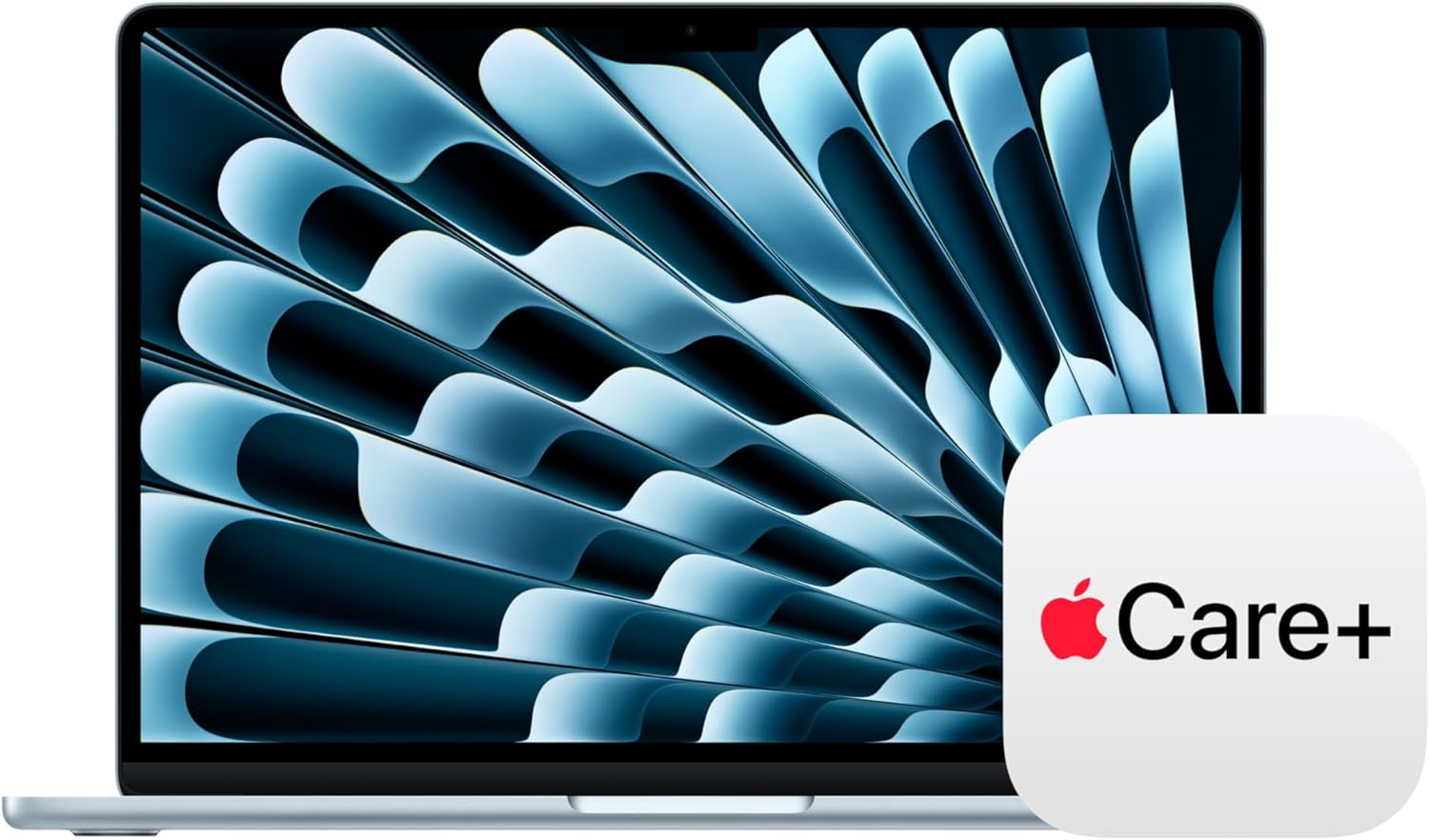
The Apple MacBook Air M5 13 inch combines a compact display, 16GB of unified memory and 512GB of storage in the featured configuration. It is a strong choice for students and professionals who move frequently and already use Apple services.
The 13 inch format fits easily into a bag and on a small lecture desk. The fanless design is quiet, which is useful in libraries, meetings and shared workspaces. Apple ecosystem features can simplify moving files, messages and calls between an iPhone and Mac.
The main limitation is software and port compatibility. Some specialist applications require Windows. The MacBook Air also has a focused port selection, so users with HDMI displays, USB-A accessories, SD cards or wired networking may need a hub.
Choose this model when portability, quiet operation and Apple integration matter more than touchscreen input or extensive built-in ports.
Best business laptop: Lenovo V15
The Lenovo V15 Business Laptop listing includes 16GB of memory, a 1TB SSD, a 15.6 inch Full HD display and Windows 11 Pro. It is suited to users who value practical capacity and traditional business software.
Sixteen gigabytes of memory is a comfortable target for spreadsheets, browser tabs, email, video meetings and common productivity applications. A 1TB SSD provides room for documents, media, offline project files and software without immediate storage pressure.
The larger display supports multitasking better than a compact 13 inch screen, although it takes more room in a bag. Windows 11 Pro can be relevant to organizations that use professional management and security features. The exact company requirements should still be confirmed with the IT administrator.
Best balanced Windows laptop: Dell 15
The Dell 15 Laptop includes an 8GB memory configuration, 512GB SSD and 15.6 inch Full HD 120Hz display in the listing. It is aimed at everyday study, office documents, browsing, streaming and video calls.
A 512GB SSD provides a useful middle ground between a small 256GB drive and a larger 1TB configuration. Eight gigabytes of memory can handle lighter workloads, but users who keep many applications and browser tabs open should consider 16GB.
The 120Hz display can make scrolling and motion appear smoother than a basic 60Hz panel. It does not transform an everyday laptop into a high-end gaming machine because graphics performance and cooling remain important. Buy it for a smoother general display rather than assuming it replaces a gaming laptop.
Best large-screen MacBook: MacBook Air M4 15 inch
The MacBook Air M4 15 inch remains useful for buyers who prefer macOS and want more screen space than the 13 inch Air. Its 16GB memory configuration supports normal multitasking, while the larger display can improve spreadsheet, document and creative workflows.
The featured configuration has 256GB of storage, which is suitable for cloud-focused users but can feel limited for large video libraries or many local projects. Compare storage carefully rather than looking only at screen size and chip generation.
This model is a practical choice for someone who works mainly at home but still wants a thin laptop that can travel. It can also suit students in writing, business, design and general academic programmes when required software supports macOS.
Best Chromebook for cloud-based learning
The Lenovo IdeaPad Slim 3 Chromebook is designed for browser-based tasks, online documents, streaming and cloud services. Its 4GB memory and 64GB storage are modest compared with Windows and Mac options, but ChromeOS is intended around a lighter cloud-focused workflow.
A Chromebook can be a good value for school assignments, web research and video classes. It is not the safest choice for engineering, advanced creative work or Windows-only software. Check course requirements first.
Local storage is limited, so reliable internet access and cloud storage are important. Offline features exist for supported apps, but the experience is strongest when the user is comfortable working through a browser.
Best basic everyday laptop: HP Everyday Laptop
The HP Everyday Laptop listing includes 8GB of memory and a 256GB SSD. It can suit lighter home, study and office tasks when expectations are realistic.
This type of configuration is best for email, documents, video calls, browsing and streaming. A 256GB SSD requires more careful storage management than a 512GB or 1TB drive. Cloud storage and an external drive can help, but recurring subscriptions and extra accessories should be included in the total cost.
How much memory do you need?
Four gigabytes is suitable mainly for basic Chromebooks and light browser use. Eight gigabytes can handle everyday Windows tasks but may become restrictive during heavy multitasking. Sixteen gigabytes is the best general target for a primary laptop in 2026. Twenty-four gigabytes or more is useful for demanding creative work, software development, data analysis and virtual machines.
Memory cannot be upgraded on many thin laptops. Treat the listed capacity as a long-term decision. A buyer planning to keep the machine for several years should consider the future workload as well as current needs.
How much storage do you need?
A 256GB SSD works for cloud-focused users with a small local library. A 512GB SSD is the balanced choice for most students and professionals. A 1TB SSD is better for large projects, local media, virtual machines and users who do not want to manage free space frequently.
Compare like with like. A laptop that appears cheaper may include half the storage. External drives are useful for archives, but they reduce portability and require backup discipline.
13 inch vs 15 inch laptops
A 13 inch laptop is easier to carry and fits smaller workspaces. It suits commuters, students and frequent travellers. A 15 inch laptop provides more room for side-by-side documents, spreadsheets and timelines. It is better for users who work mainly at a desk.
Screen size affects more than portability. Larger laptops may offer more ports, a numeric keypad and greater cooling capacity. Compact laptops can be paired with an external monitor at home to create a flexible setup.
Battery life and charging
Manufacturer battery figures are based on controlled tests. Actual endurance changes with brightness, video calls, background applications, wireless conditions and processor load. Compare battery claims as estimates rather than promises.
USB-C charging can make travel easier when a compatible charger works across several devices. Confirm wattage requirements before using a phone charger with a laptop. A lower power adapter may charge slowly or fail to keep up during heavy use.
Webcams, microphones and remote meetings
Remote workers should consider webcam position, microphone clarity and lighting. A higher resolution camera helps, but room lighting often has a larger effect. Place the laptop near a window or use a soft front light. Avoid sitting with a bright window directly behind you.
A separate headset can improve voice clarity and reduce echo. Browse headphones for work and entertainment after confirming connection type.
Ports and accessories
Review every device you plan to connect. Common needs include HDMI, USB-A, USB-C, memory cards, headphones and Ethernet. A slim laptop with only two USB-C ports may require a hub. A larger business laptop may include more connections.
Add the price of a hub, sleeve, external drive, mouse and software to the total budget. A laptop with a slightly higher purchase price can offer better value when it avoids several accessories.
Which laptop should you buy?
Choose MacBook Air M5 for portable macOS productivity, 16GB memory and a balanced 512GB SSD.
Choose Lenovo V15 for business multitasking, Windows 11 Pro and 1TB storage.
Choose Dell 15 for general Windows study and work with a larger 120Hz display.
Choose MacBook Air M4 15 inch for a larger Apple display and everyday creative work.
Choose Lenovo Chromebook for browser-based learning and cloud services.
Choose HP Everyday Laptop for basic home, office and study tasks at an accessible specification level.
Compare laptops for your workload
Review operating system, memory, storage and required software before choosing.
Frequently asked questions
Is 8GB RAM enough for university?
It can be enough for documents, browsing and lighter coursework. Sixteen gigabytes is a better target for heavy multitasking and longer ownership.
Is a Chromebook good for students?
Yes for browser-based learning and online documents. It is not suitable when the course requires Windows or macOS desktop software.
Should a business laptop have Windows 11 Pro?
It can be useful for organizations that need professional management and security features. Confirm requirements with the company’s IT team.
Is 256GB storage enough?
It is enough for cloud-focused users with modest local files. Choose 512GB or 1TB for larger applications, media and projects.
Can a student use a MacBook Air for engineering?
Only when every required application supports macOS or an approved alternative. Engineering students should verify their programme software list before buying.
Related buying guides
Read our MacBook Air M5 vs Windows laptop comparison, new vs renewed smartphone guide and smartwatch comparison.
Final verdict
The best laptop is the one that supports your required software and remains comfortable to use every day. Start with the operating system, then choose memory, storage and screen size. A student who travels daily may value a compact MacBook Air. A business user may prefer a 15 inch Windows laptop with 16GB memory and 1TB storage. A cloud-focused learner may save money with a Chromebook. Match the machine to the work rather than buying by brand alone.
Product questions can be sent to info@techtreasuries.com. Existing order support is available at orders@techtreasuries.com.
Share:
What Size TV Should You Buy in 2026? 43, 55, 65, 85 and 98 Inch Guide
Apple Watch vs Samsung Galaxy Watch in 2026: Which Smartwatch Is Better?